Product photography for Shopify stores
Turn a product reference into a consistent set of listing images. Choose the lighting and angle for each SKU.
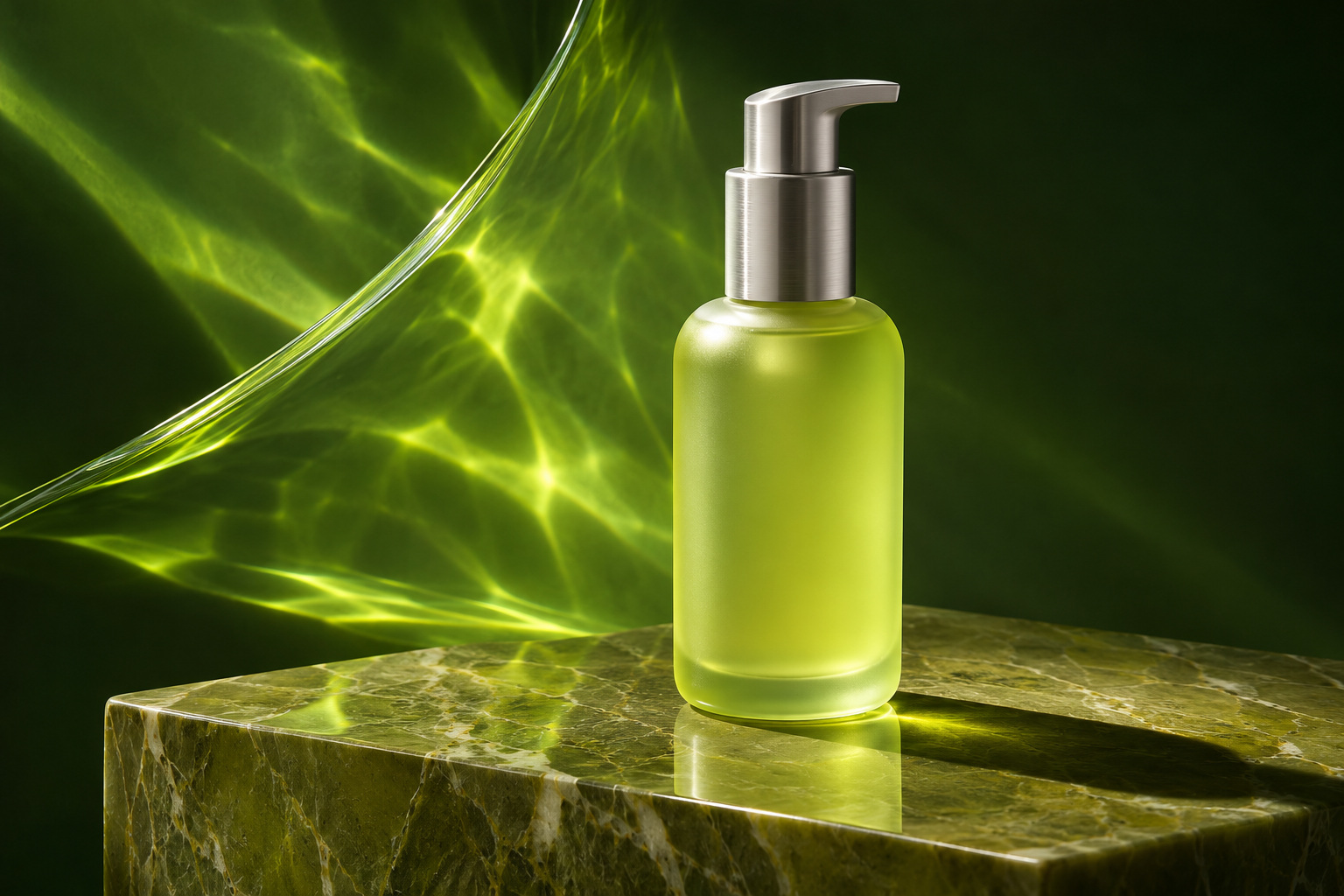
Start with the actual SKU
Photograph the exact variant against a simple background. Keep its label legible and the entire silhouette visible.
Make a shot list
Use one front view, one close detail and one lifestyle scene. Repeat your lighting brief for the next product variant.
Check the result on the listing
Compare colour, dimensions and packaging against the physical item. Download your selected shot, then upload it to the product media gallery in Shopify.